Encryption Demystified: A Beginner’s Guide to Understanding Digital Security

Sarah Mitchell
15 March 2026
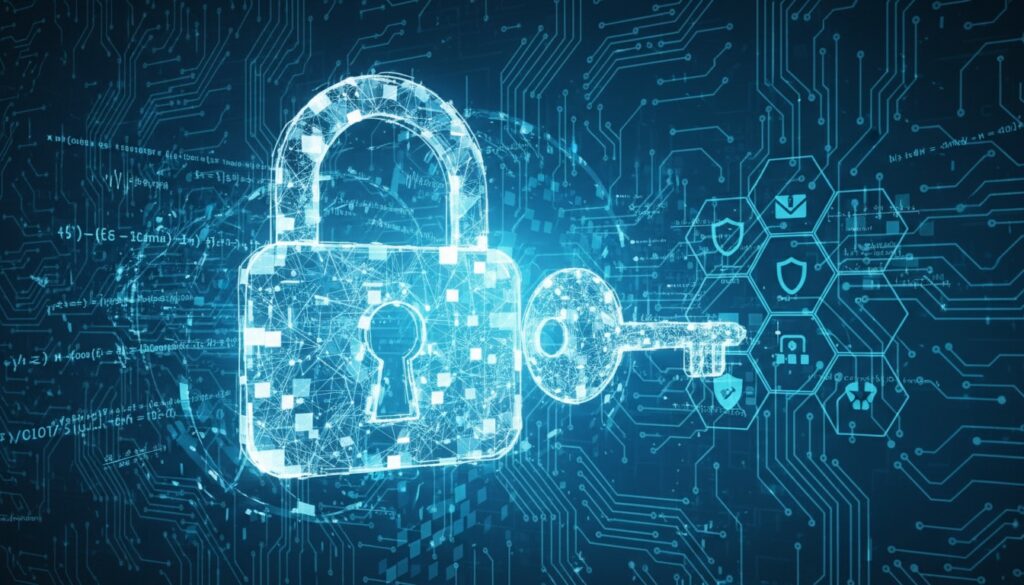
Encryption Demystified: A Beginner’s Guide to Understanding Digital Security
Introduction
Every time you send a message on WhatsApp, make an online purchase, or log into your bank account, encryption is working silently in the background to protect your data. Yet for many people, encryption remains a mysterious concept shrouded in technical jargon and complex mathematics.
The truth is, understanding encryption doesn’t require a computer science degree. In our increasingly digital world, having a basic grasp of how encryption protects your personal information is not just helpful—it’s essential for making informed decisions about your online security.
This comprehensive guide will break down encryption into digestible concepts, explain why it matters for your daily digital life, and provide practical tips for leveraging encryption to enhance your personal security.
What Is Encryption and Why Should You Care?
At its core, encryption is the process of converting readable information (called plaintext) into an unreadable format (called ciphertext) using a mathematical algorithm and a secret key. Think of it as a sophisticated digital lock that scrambles your data so thoroughly that only someone with the correct key can unscramble it.
The Lock and Key Analogy
Imagine you want to send a confidential letter to a friend. Instead of mailing it in a regular envelope that anyone could open, you:
- Place the letter in a special lockbox
- Lock it with a unique key
- Send the lockbox through the mail
- Your friend uses their matching key to unlock and read the letter
- HTTPS websites (look for the padlock icon in your browser)
- Messaging apps like WhatsApp, Signal, and iMessage
- Online banking and financial transactions
- Password managers that store your login credentials
- Cloud storage services like Google Drive and Dropbox
- Email services that protect your communications
- Fast and efficient for large amounts of data
- Less computationally intensive
- Perfect for securing stored data
- Key distribution challenge (how do you safely share the key?)
- If the key is compromised, all data is at risk
- AES (Advanced Encryption Standard)
- File encryption on your computer
- Database encryption
- Anyone can encrypt a message using your public key
- Only you can decrypt it using your private key
- Conversely, you can “sign” a message with your private key to prove it came from you
- Solves the key distribution problem
- Enables secure communication between strangers
- Provides digital signatures for authentication
- Slower than symmetric encryption
- More complex to implement
- 128-bit encryption: Considered secure for most purposes
- 256-bit encryption: Military-grade security, virtually unbreakable with current technology
- 512-bit and higher: Used for the most sensitive applications
- 56-bit DES encryption (outdated): Could be broken in hours
- 128-bit AES encryption: Would take billions of years to crack with current computers
- 256-bit AES encryption: Would take longer than the age of the universe to break
- Practical quantum computers capable of breaking encryption are still years away
- Cryptographers are already developing “quantum-resistant” encryption methods
- By the time quantum threats become real, new security measures will be in place
- Signal: Open-source, highly secure, recommended by security experts
- WhatsApp: Uses Signal’s encryption protocol
- Telegram: Offers “secret chats” with end-to-end encryption
- iMessage: Encrypted by default for Apple users
- ProtonMail: Encrypted email service based in Switzerland
- Tutanota: Another secure email provider
- GPG/PGP: Advanced email encryption for technical users
- BitLocker (Windows): Built into Windows Pro versions
- FileVault (macOS): Apple’s built-in disk encryption
- LUKS (Linux): Standard disk encryption for Linux systems
- VeraCrypt: Open-source tool for creating encrypted containers
- 7-Zip: Can create password-protected, encrypted archives
- AxCrypt: User-friendly file encryption for Windows
- SpiderOak: Zero-knowledge cloud storage
- pCloud Crypto: Adds encryption layer to cloud storage
- Cryptomator: Encrypts files before uploading to any cloud service
- Your banking information
- Personal photos and documents
- Business communications
- Medical records
- Private conversations
- Use a reputable password manager like Bitwarden, 1Password, or LastPass
- Enable two-factor authentication wherever possible
- Never share private keys or encryption passwords
- Regularly update your encryption software
- Verify contacts before sharing sensitive information
- Use end-to-end encrypted messaging for private conversations
- Be cautious with public Wi-Fi for sensitive activities
- Look for HTTPS when browsing websites
- Encrypt your devices (phones, laptops, tablets)
- Backup encrypted data to multiple locations
- Use encrypted cloud storage for sensitive files
- Regularly audit your digital security practices
- Homomorphic encryption: Allows computation on encrypted data without decrypting it
- Quantum-resistant algorithms: Protection against future quantum computer threats
- Zero-knowledge protocols: Prove you know something without revealing what you know
- Automated encryption: More seamless, transparent protection
- Keep your encryption software updated
- Stay informed about security best practices
- Be ready to adopt new encryption standards as they emerge
- Encryption is everywhere and already protecting much of your digital life
- You don’t need to be technical to benefit from encryption tools
- Strong encryption is mathematically secure and not easily broken
- Simple steps like using encrypted messaging apps and enabling device encryption provide significant protection
- Staying informed about encryption helps you adapt to evolving security needs
- Enable device encryption on your smartphone and computer
- Download an encrypted messaging app like Signal
- Check that your important websites use HTTPS
- Consider switching to an encrypted email service
- Share this guide with friends and family to spread security awareness
Real-World Applications You Use Daily
You’re already benefiting from encryption more than you might realize:
“Encryption is a fundamental tool for protecting personal privacy and securing digital communications in the modern world.” – Electronic Frontier Foundation
Types of Encryption: Symmetric vs. Asymmetric
Understanding the two main types of encryption will help you appreciate how different security systems protect your data.
Symmetric Encryption: One Key for All
Symmetric encryption uses the same key to both encrypt and decrypt data. It’s like having a single house key that both locks and unlocks your front door.
Advantages:
Disadvantages:
Common Examples:
Asymmetric Encryption: The Public-Private Key Pair
Asymmetric encryption uses two mathematically related but different keys: a public key (which can be shared openly) and a private key (which must be kept secret).
Here’s how it works:
Real-World Example:
When you visit a secure website (HTTPS), your browser uses the website’s public key to encrypt your data. Only the website’s server, which holds the corresponding private key, can decrypt and read your information.
Advantages:
Disadvantages:
How Strong Is “Strong Enough”? Understanding Encryption Strength
Not all encryption is created equal. The strength of encryption is typically measured by key length—the number of bits in the encryption key.
Key Length and Security Levels
The Time Factor
To put encryption strength in perspective:
Quantum Computing: The Future Challenge
While current encryption is incredibly strong, quantum computers pose a potential future threat to some encryption methods. However:
Practical Encryption Tools for Everyday Users
You don’t need to be a cybersecurity expert to benefit from encryption. Here are practical tools and practices you can implement today:
Communication Security
Encrypted Messaging Apps:
Email Encryption:
File and Device Protection
Full Disk Encryption:
File Encryption Tools:
Cloud Storage Security
Client-Side Encryption Services:
Pro Tip: Always encrypt sensitive files before uploading them to any cloud service, even those that claim to be secure.
Common Encryption Myths Debunked
Let’s address some widespread misconceptions about encryption:
Myth 1: “Only Criminals Need Encryption”
Reality: Everyone benefits from encryption. It protects:
Myth 2: “Encryption Is Too Complicated for Regular People”
Reality: Modern encryption tools are designed for ease of use. Many encrypt your data automatically without requiring technical knowledge.
Myth 3: “Strong Encryption Can Be Easily Broken”
Reality: Properly implemented modern encryption is mathematically secure and would take longer than the age of the universe to crack with current technology.
Myth 4: “Encryption Slows Down Your Computer Significantly”
Reality: Modern processors handle encryption efficiently. The performance impact is minimal for most users and applications.
Best Practices for Personal Encryption Security
Implementing these practices will significantly enhance your digital security:
Password and Key Management
Safe Communication Habits
Data Protection Strategies
The Future of Encryption
As technology evolves, so does encryption. Here’s what to expect:
Emerging Trends
Staying Prepared
Conclusion
Encryption is not a mystical technology reserved for cybersecurity experts—it’s a practical tool that everyone can and should understand. By grasping the basic concepts of how encryption protects your data, you’re better equipped to make informed decisions about your digital security.
Remember these key takeaways:
Take Action: Secure Your Digital Life Today
Ready to put your new encryption knowledge into practice? Start with these immediate steps:
Have questions about implementing encryption in your daily digital life? The cybersecurity community is full of helpful resources and experts ready to guide you on your security journey.